Brief
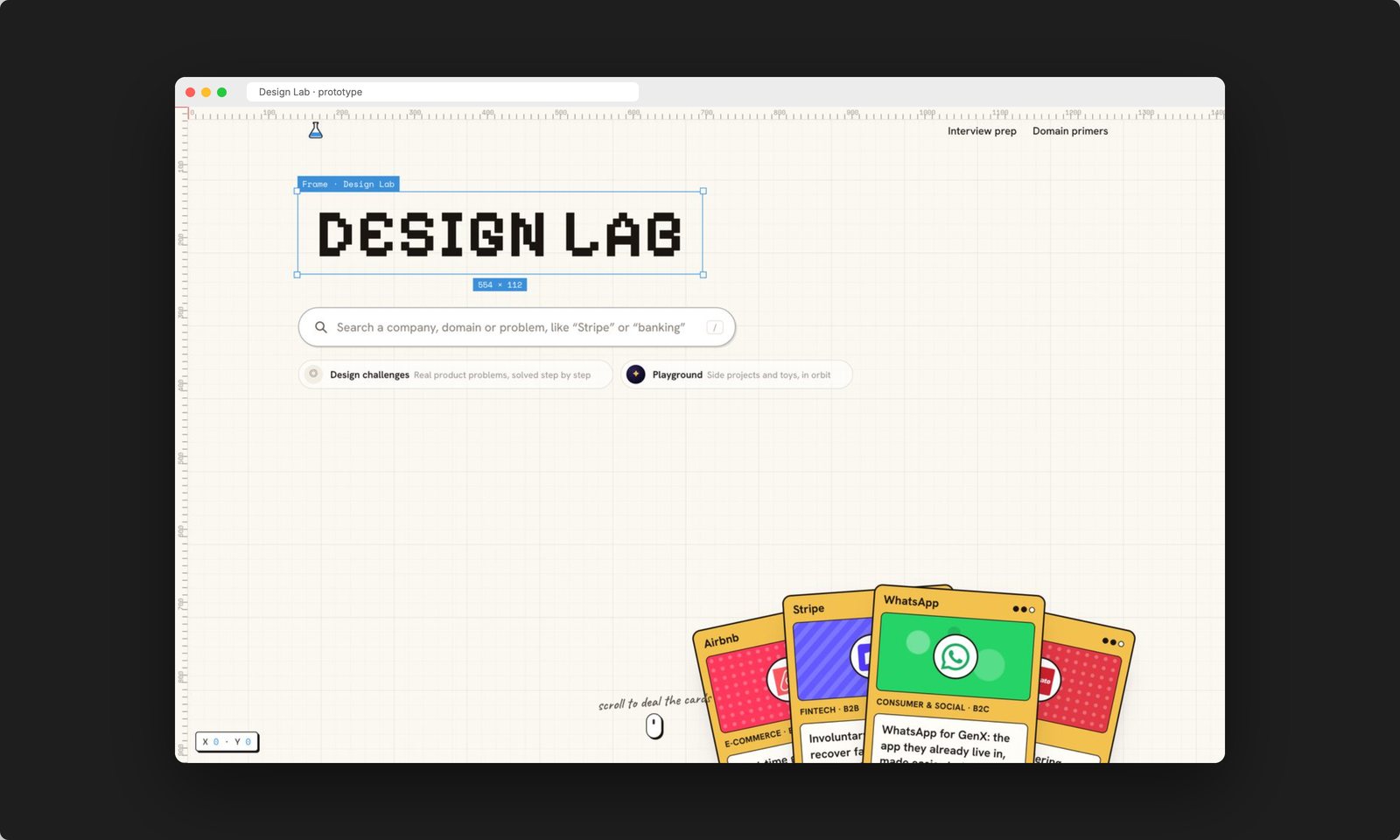
Make a library of practice challenges scannable (find "the Stripe one" in seconds) and inviting (practice is voluntary). Rule: the playful layer can delay information by one hover, never hide it.
How this is usually built, and how I built it
The thinking, the system and every value stayed with me. AI removed the slowest step of the classic pipeline: rebuilding a motion study in code and losing the timing in translation.
2D balls, a hand of cards, one 3D scene.
No build step. Smooth on a mid-range phone.
Under 500 ms, except the one journey (the portal).
Keyboard, touch and reduced motion from day one.
1 · The system, in Figma
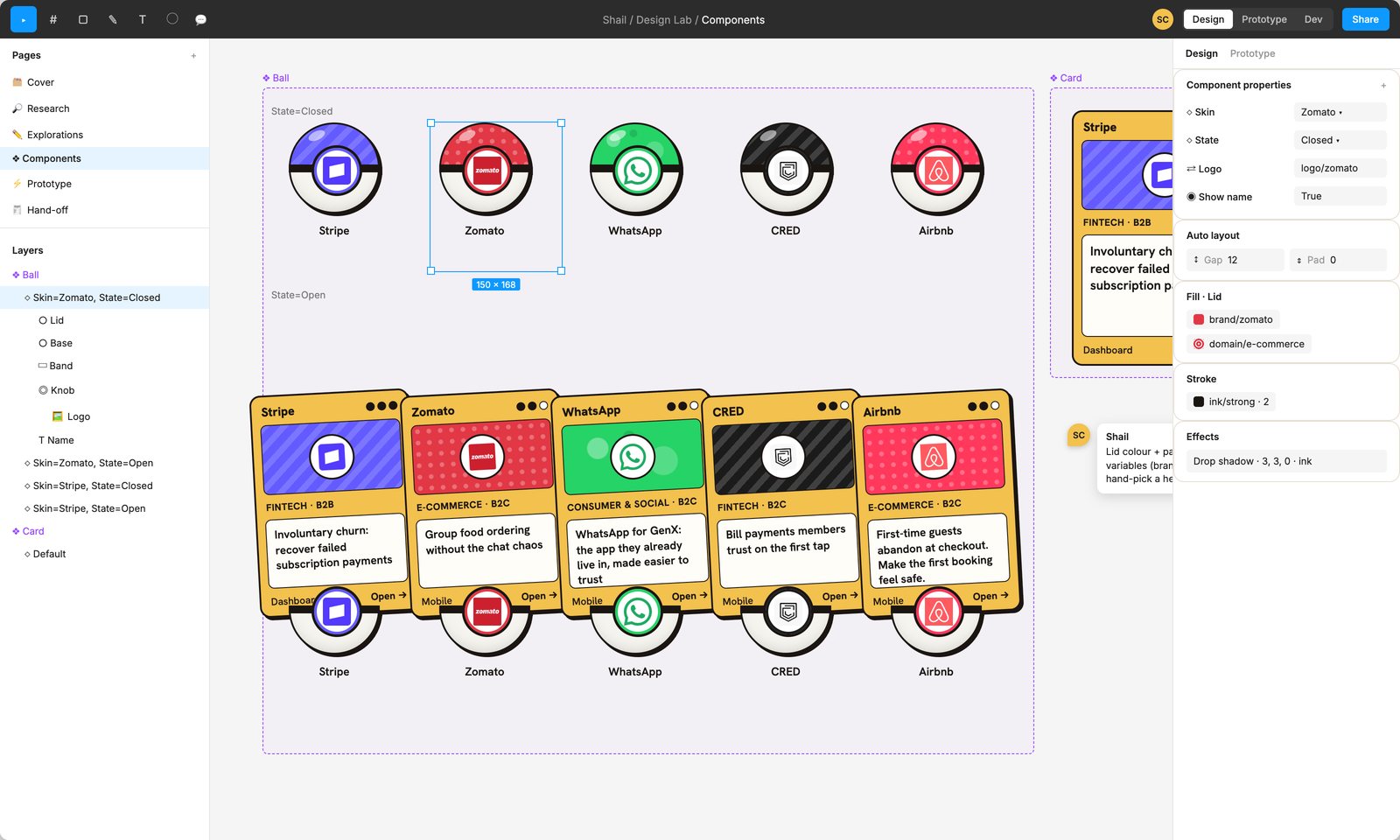
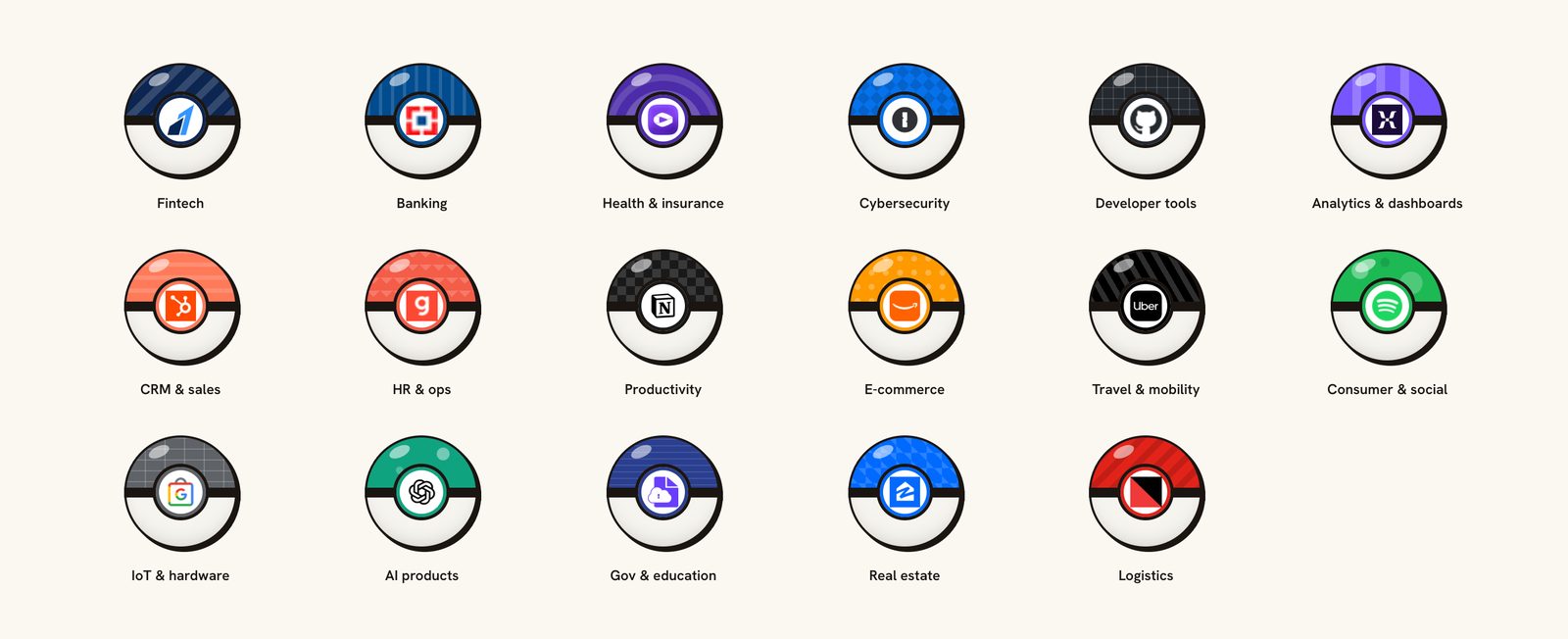
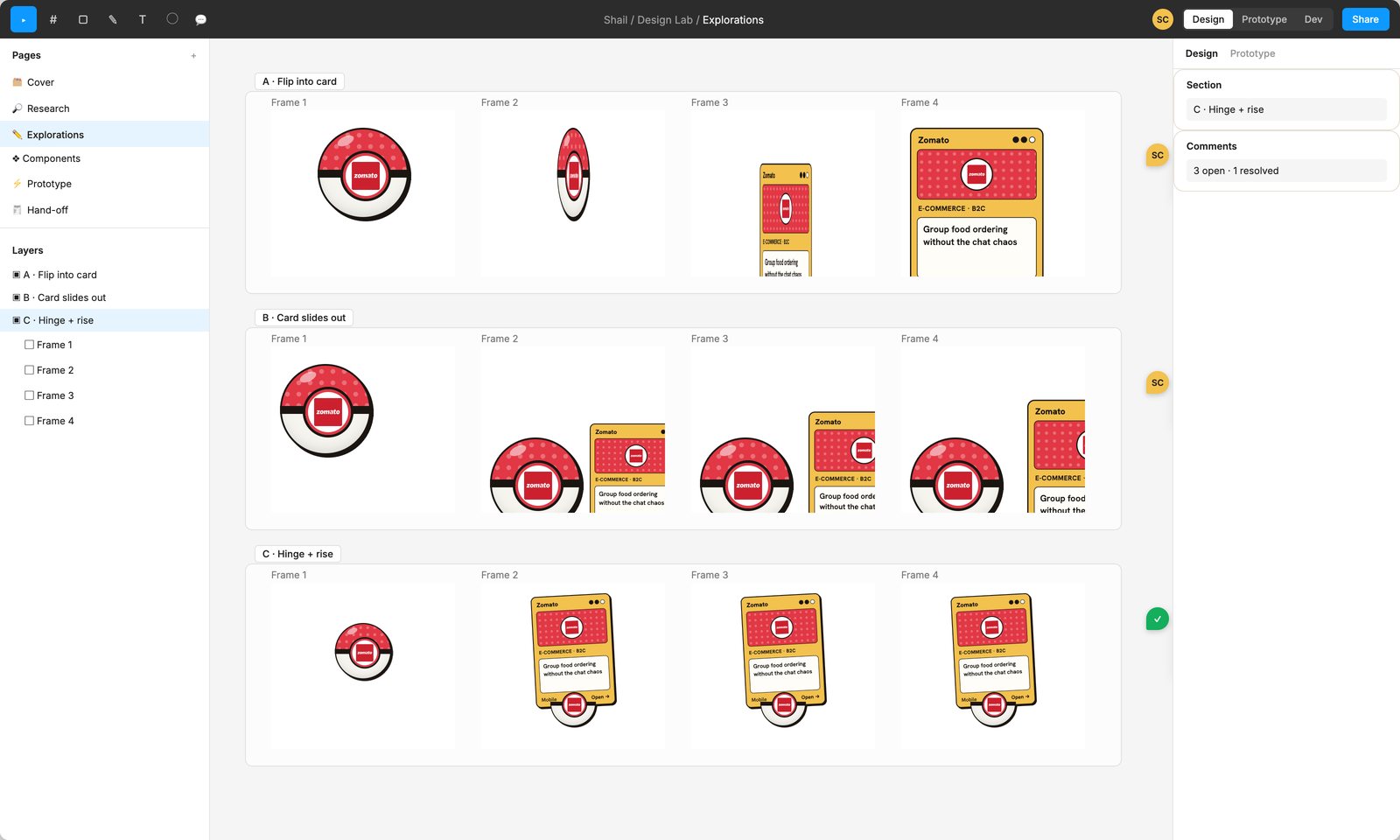
One component set, two properties: Skin (company) and State (closed or open). The skin colour comes from a brand/* variable and the pattern from a domain/* one, so adding a challenge never means picking a hex.
2 · Explorations
3 · Prototype
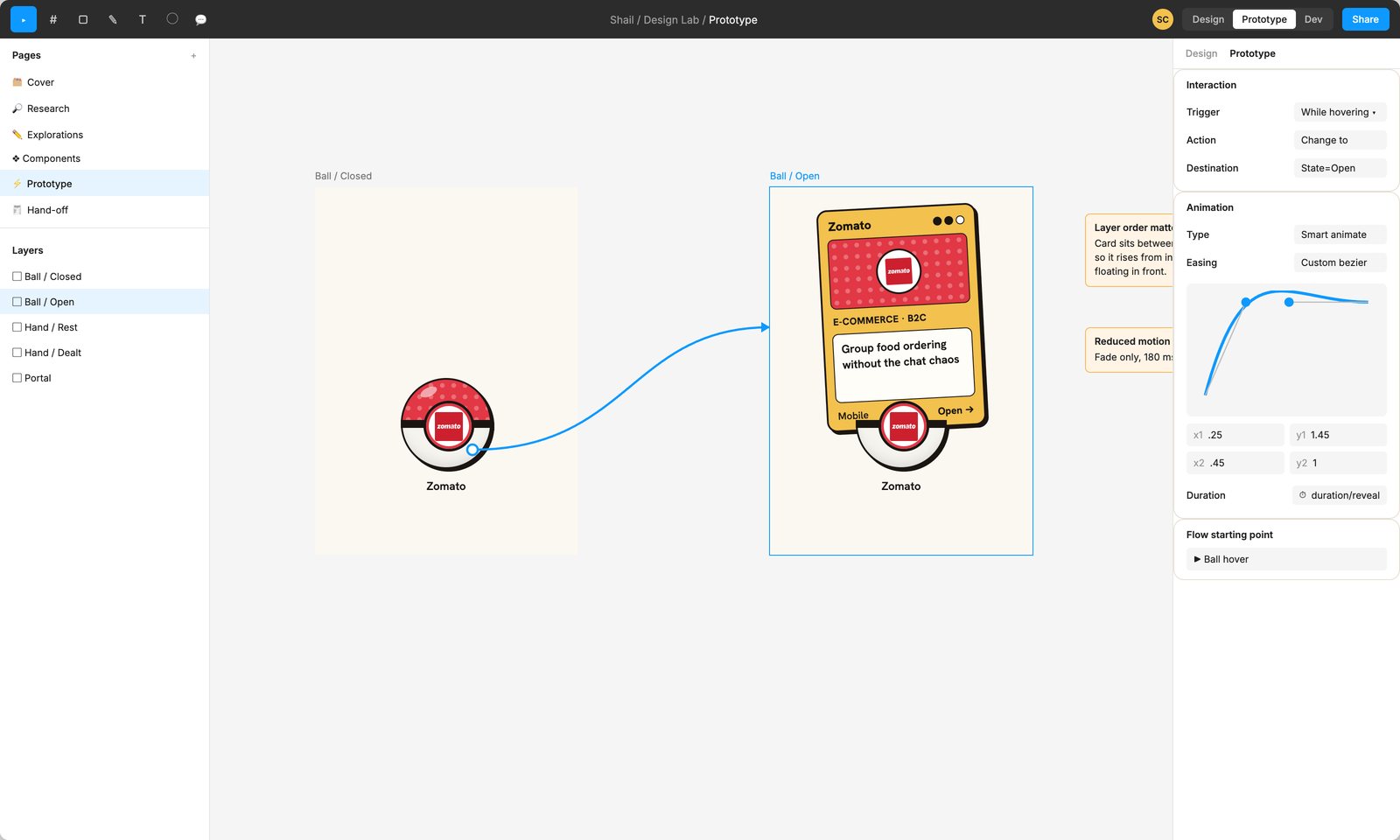
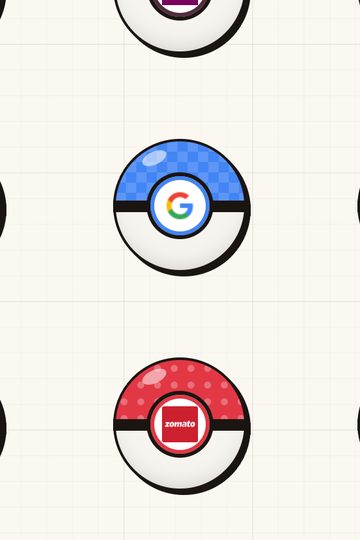
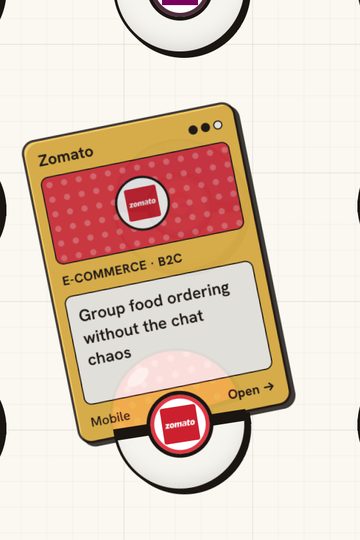
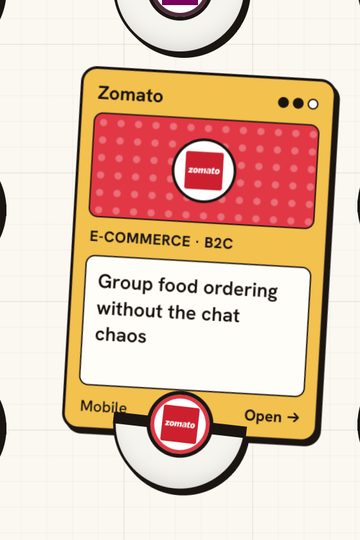
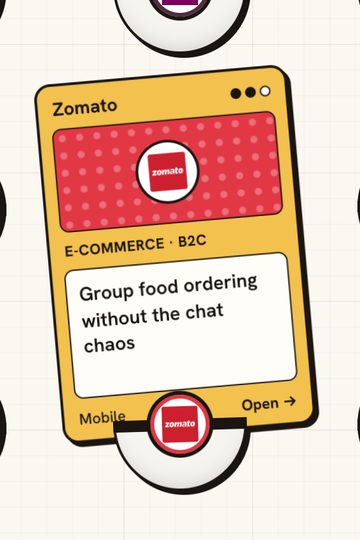
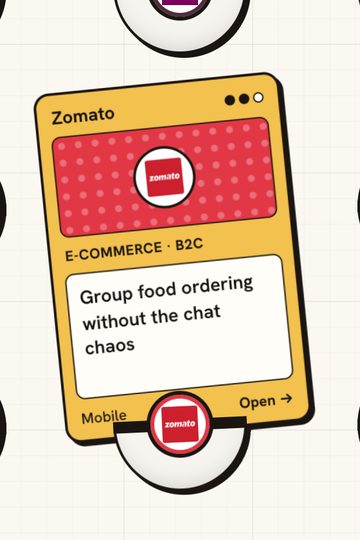
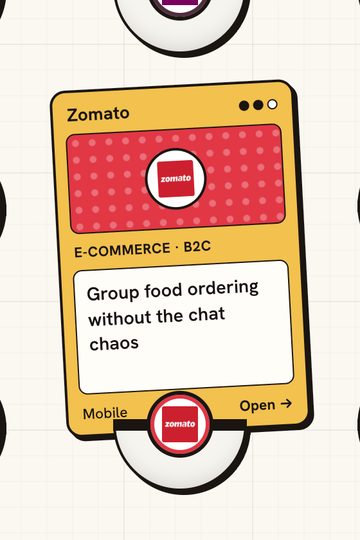
The same interaction in the browser, frame by frame at one-tenth speed.
4 · Play with it
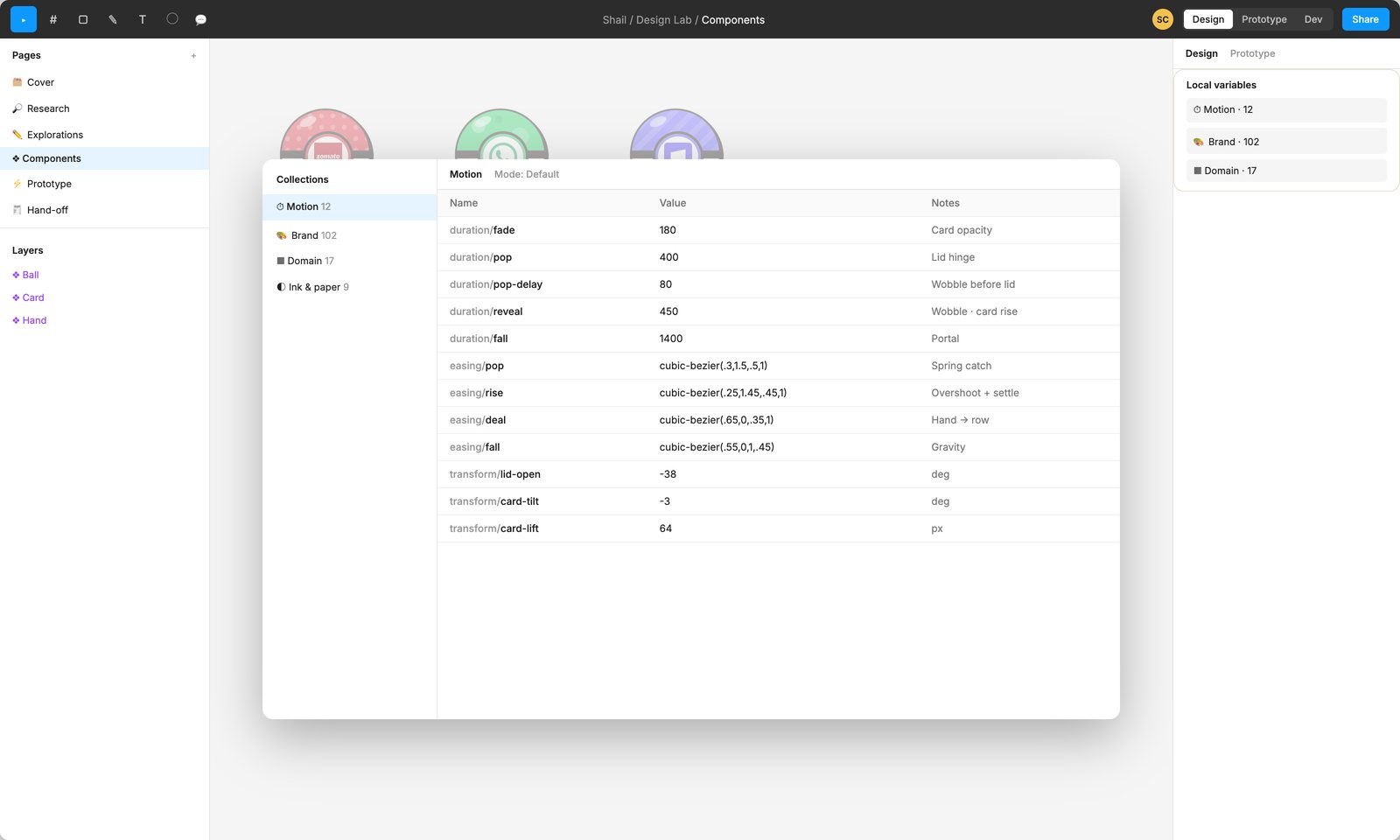
These are the real values behind the reveal. Move a lever and the ball replays; the code below is what a developer receives.
 E-COMMERCE · B2CGroup food ordering without the chat chaosMobileOpen →
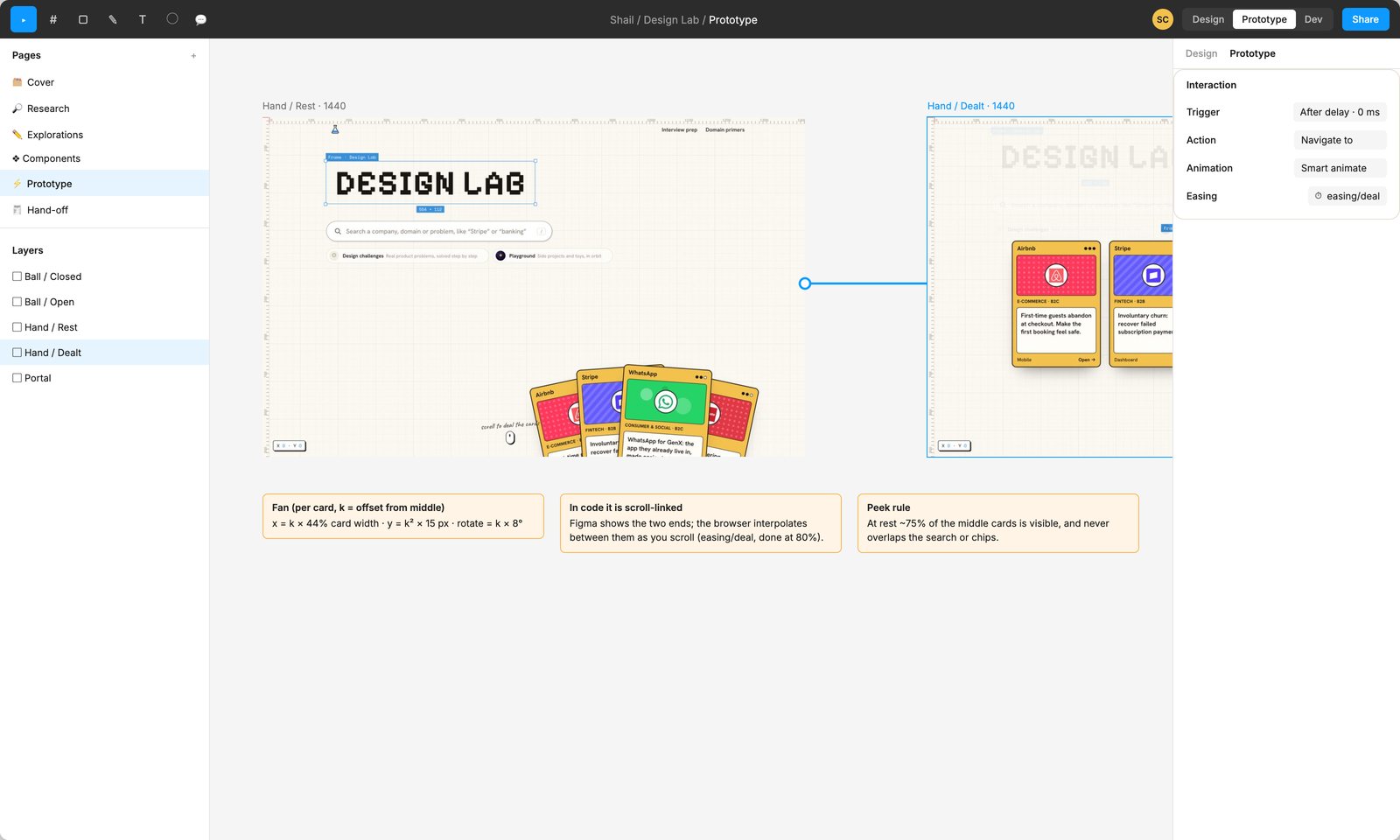
5 · Dealing the hand
6 · The portal
The first version painted a black hole on the screen and looked like a wallpaper. The fix: don't draw it, bend what's behind it. The phone is an empty frame; the page shows through it, warped.
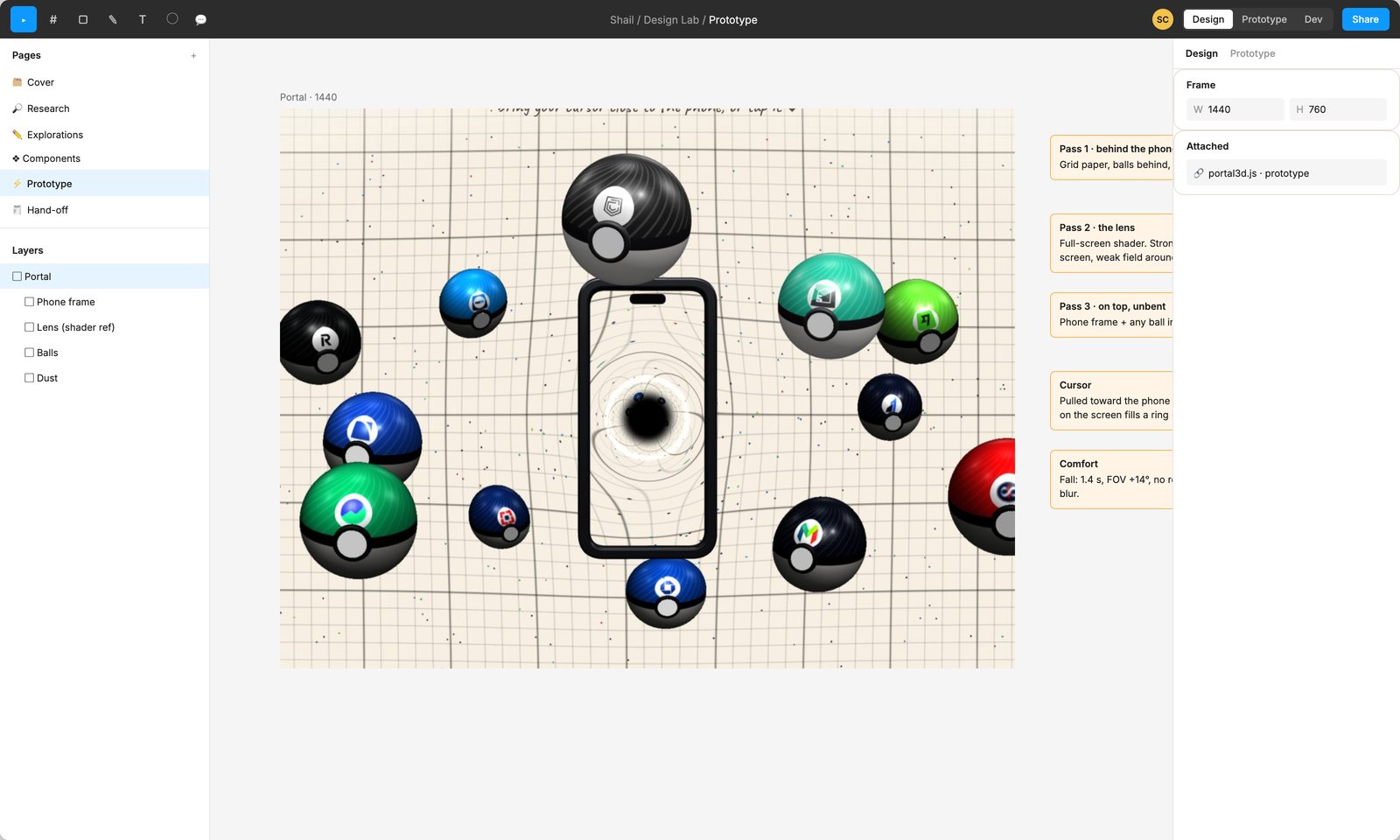
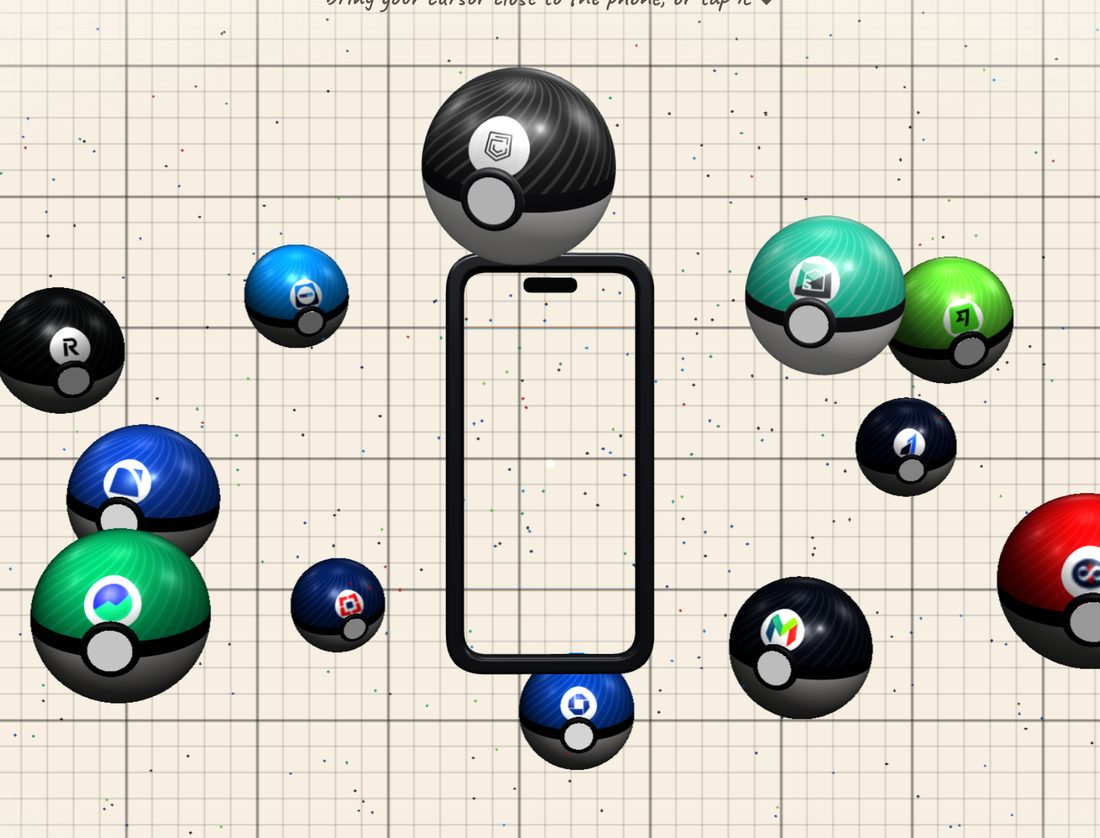
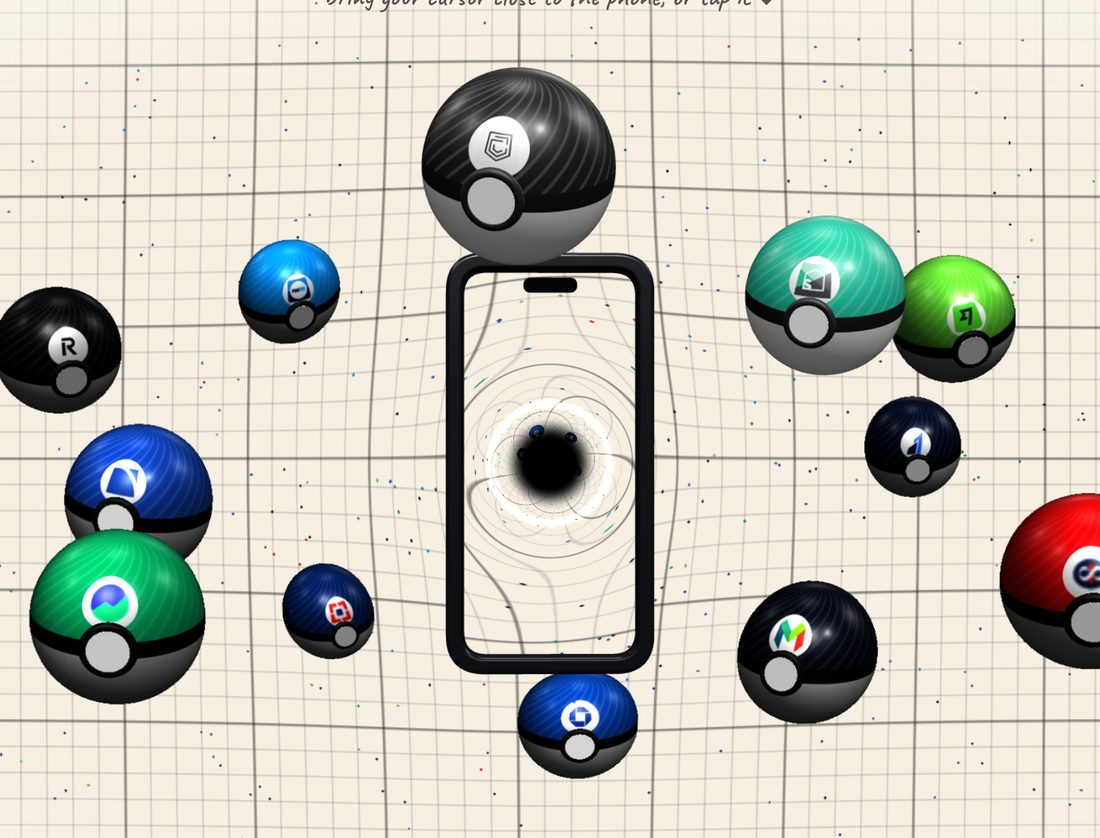
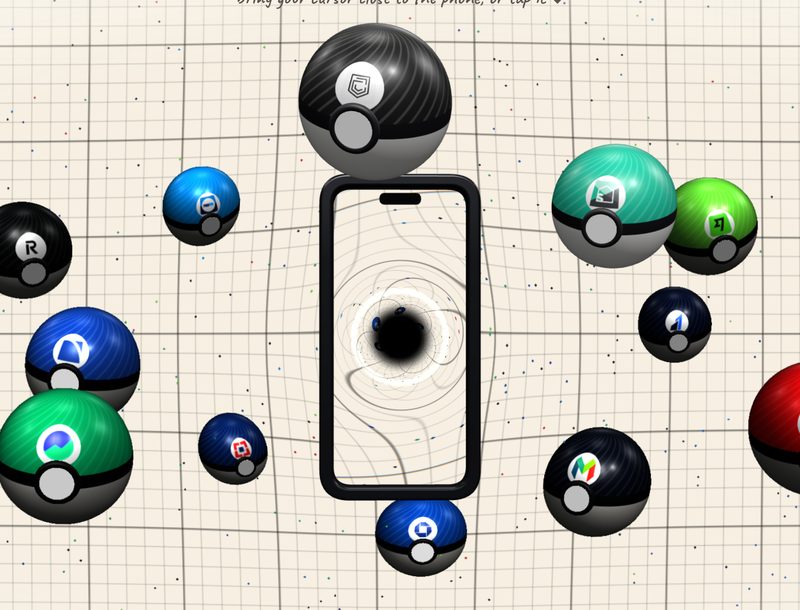
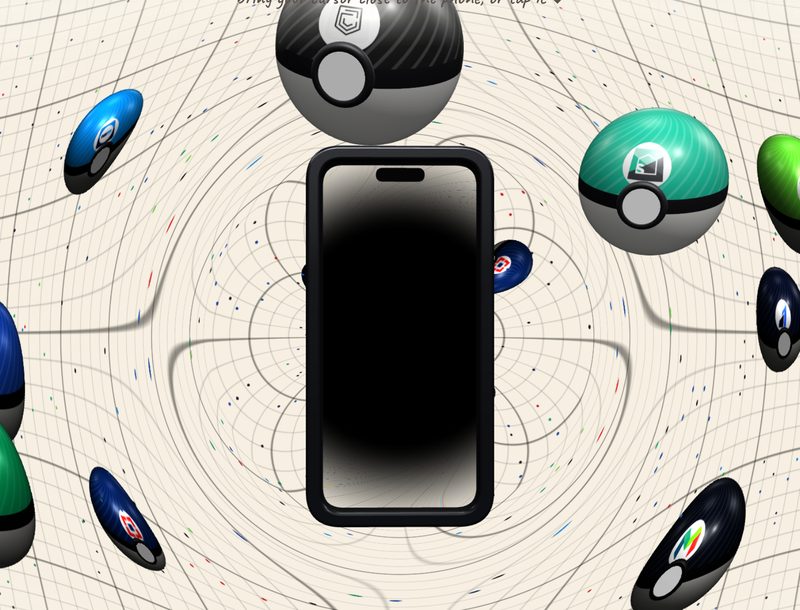
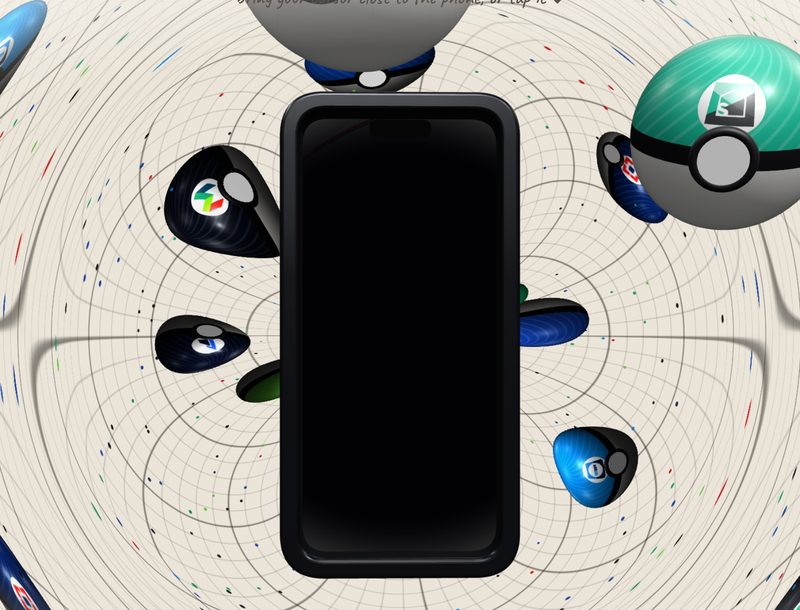
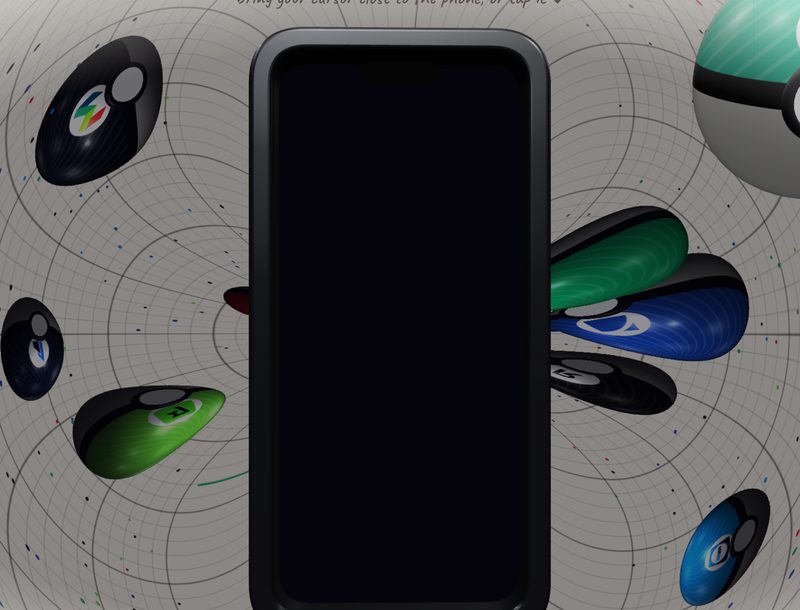
First review: it made people motion sick. Fall shortened to 1.4 s, zoom cut by two thirds, no camera roll, calmer stars on arrival.
7 · Where AI helped, and where it didn't
| Work | Who | Tools |
|---|---|---|
| Concept, grammar (skin = company, pattern = domain) | Me | Pencil, Figma |
| Components, variants, variables | Me | Figma |
| Timing and curves | Me | Figma Smart Animate, After Effects |
| CSS and JS from my tokens and specs | AI drafts, I review every diff | Claude Code |
| Lens shader | AI first draft, I tuned the constants against references | Claude Code, GLSL, the browser |
| Performance and accessibility pass | Me | Chrome DevTools, reduced-motion and keyboard checks |
| Frames and captures for this page | AI-written script, my shot list | Headless Chrome |
My guardrails: no value in the code that isn't in the Figma variables, nothing merged that I hadn't read, and every interaction checked at desktop and phone sizes.
8 · Hand-off, the way a big team would
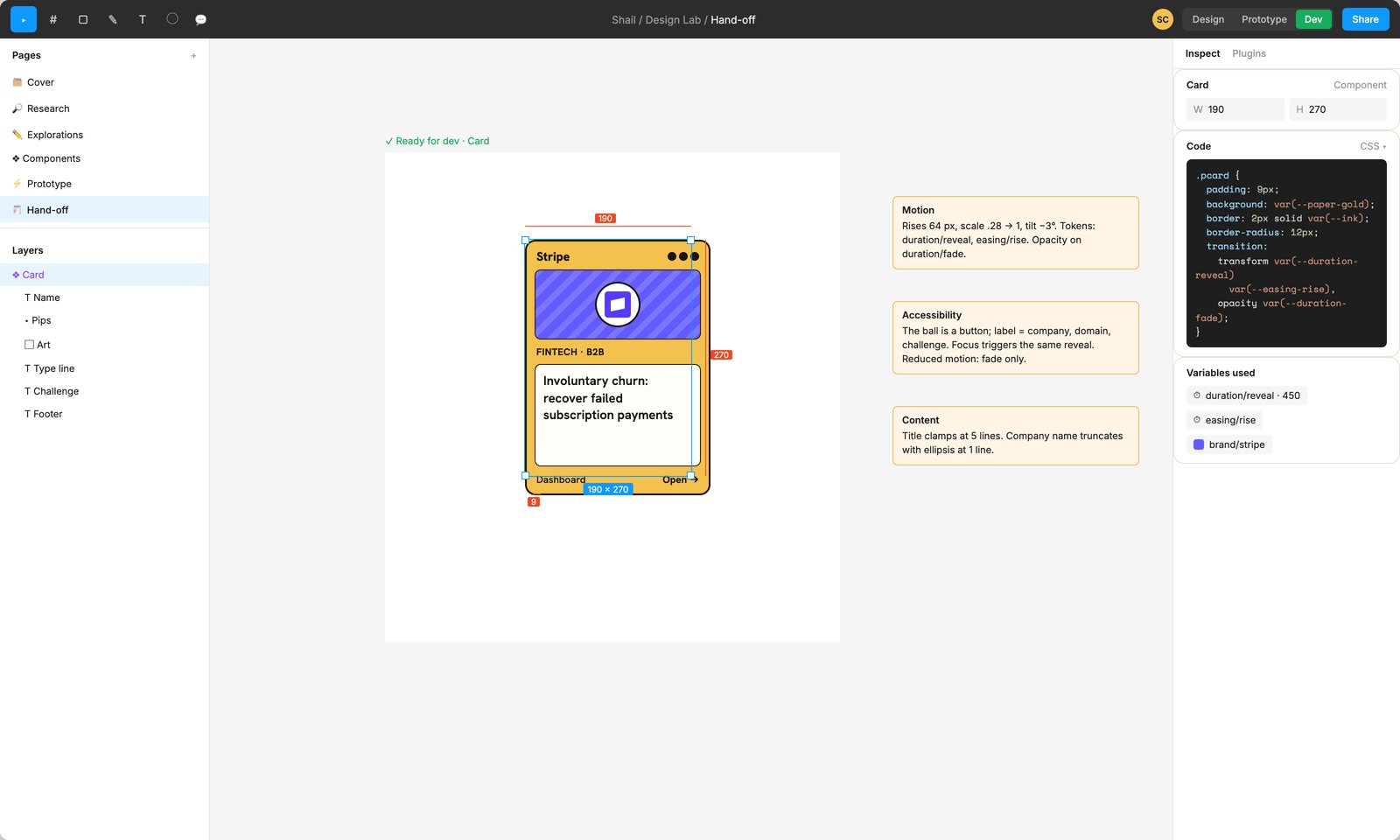
- Tokens, not numbers: Figma variables → JSON → CSS custom properties, so design and code share one source.
- A story per state in Storybook: closed, open, focused, reduced motion, missing logo.
- Accessibility sign-off: buttons with full labels, focus = hover, reduced motion = fade only.
- Performance budget: smooth on a mid-range Android, one WebGL scene that only renders while visible.
- QA matrix: Chrome, Safari, Firefox; iOS and Android; mouse, touch, keyboard.
- Rollout: behind a flag, watching hover → open rate and time to first opened challenge.
9 · Shipped
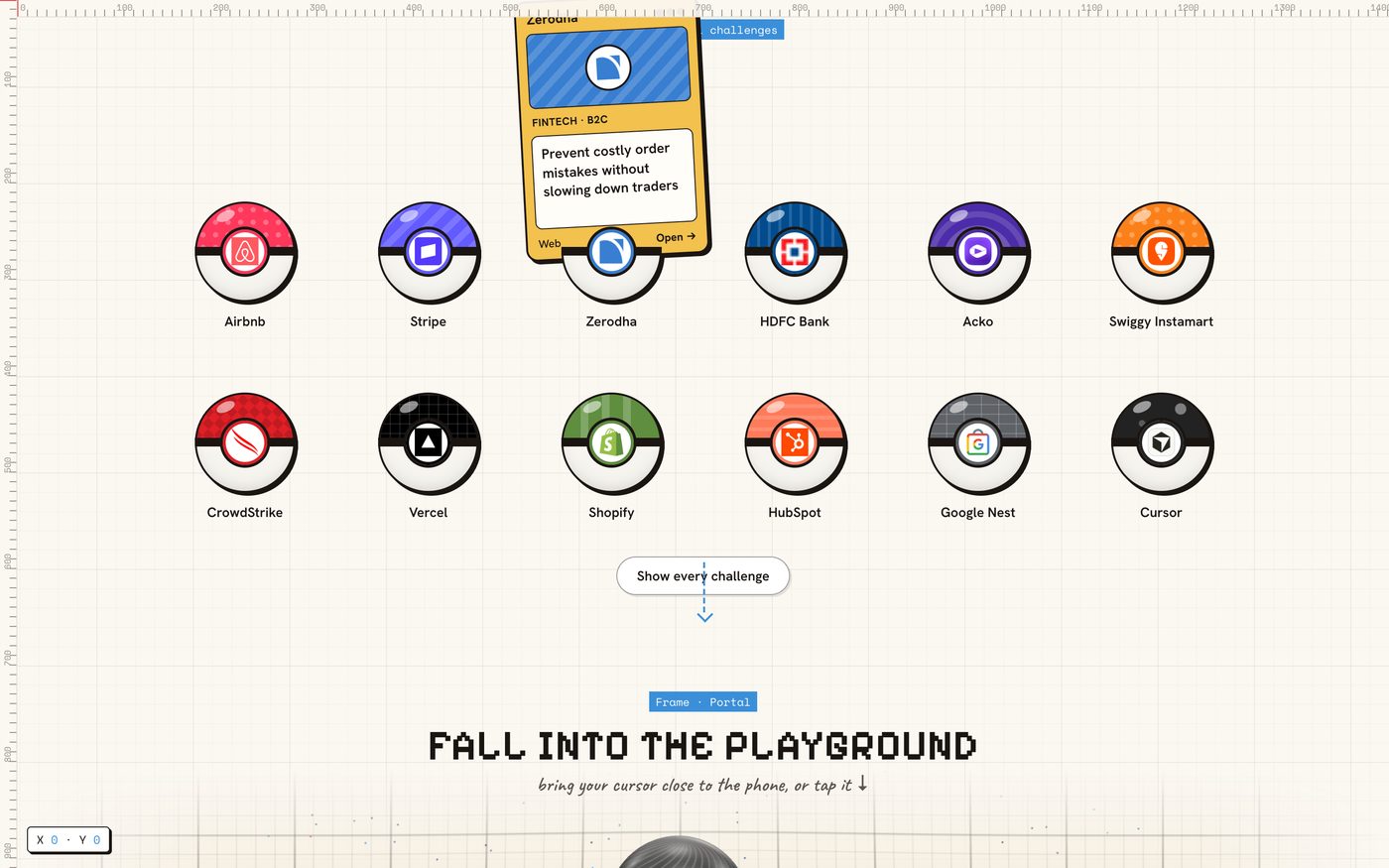
- Delight has a budget. Everything is under half a second except the one moment meant to feel like a journey.
- A metaphor needs a grammar. Once skin, pattern and button had fixed meanings, the toy became an index.
- AI speeds up the build, not the judgement. The values came from Figma; the code just had to agree with them.
The Design Lab now runs on its Space theme, so this one is archived. Open the archived Creative theme ↗