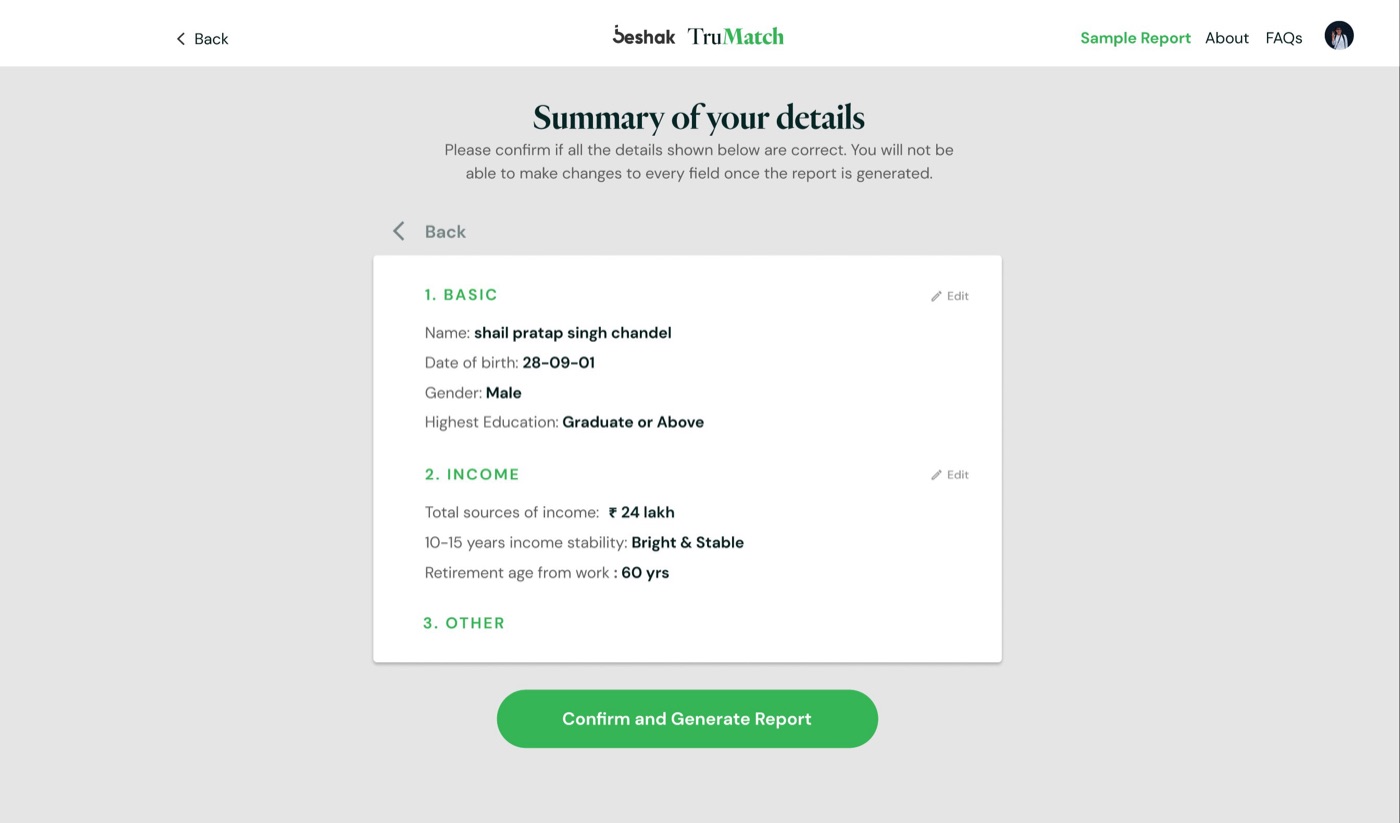
TruMatch: a term-insurance check-up that feels calm.
Beshak TruMatch asks a few questions about your life and money, then tells you how much term cover you actually need. I worked on its interface during my internship at Beshak. This page is a quick look at the UI and the visual decisions behind it.

01 · The brief, as I read it
Insurance questions feel like a test you can fail. Age, income, loans, drinking, medical history: every answer feels like it could cost you. The interface had to feel like a conversation with someone on your side, not a form.
02 · Type that speaks softly
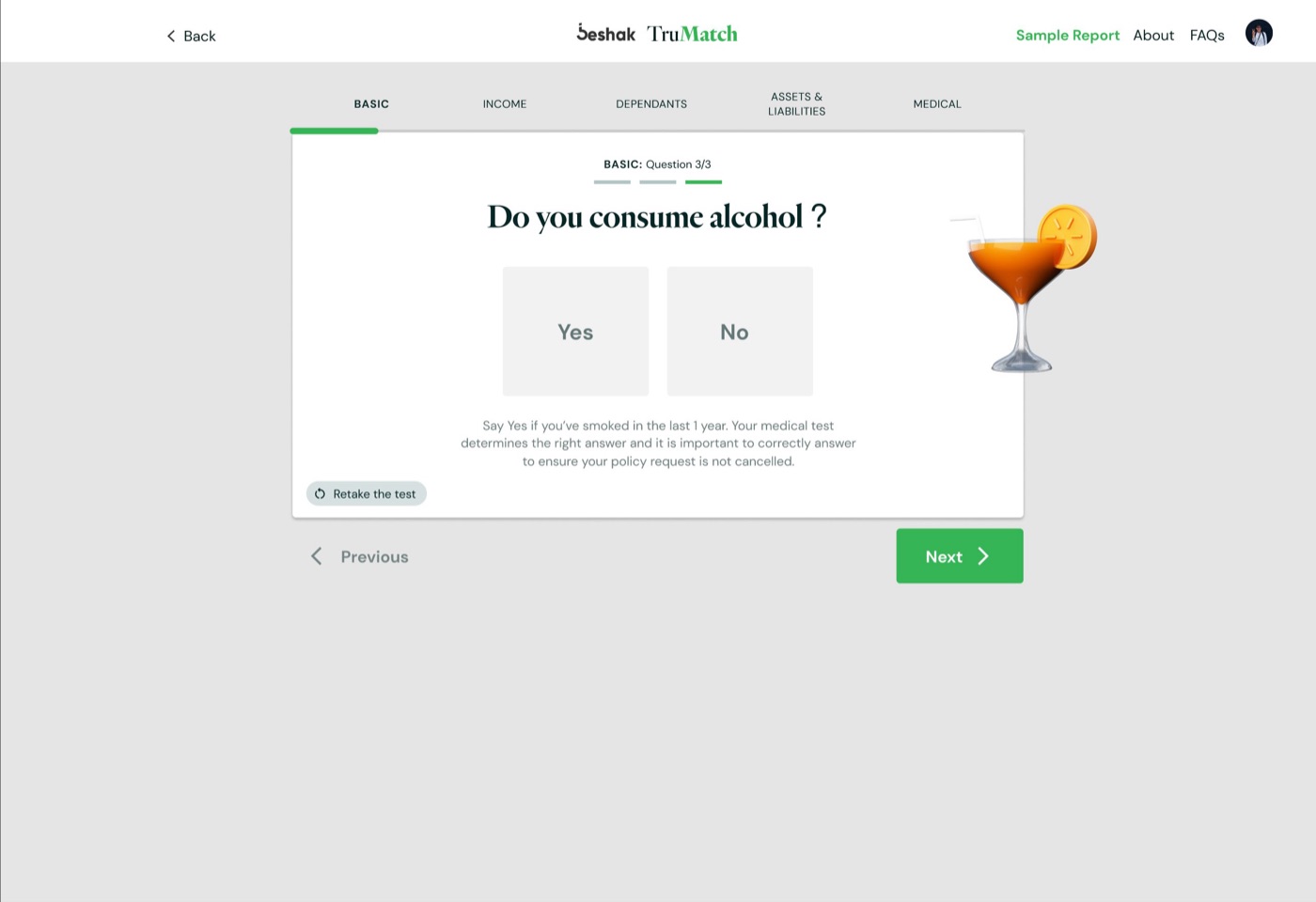
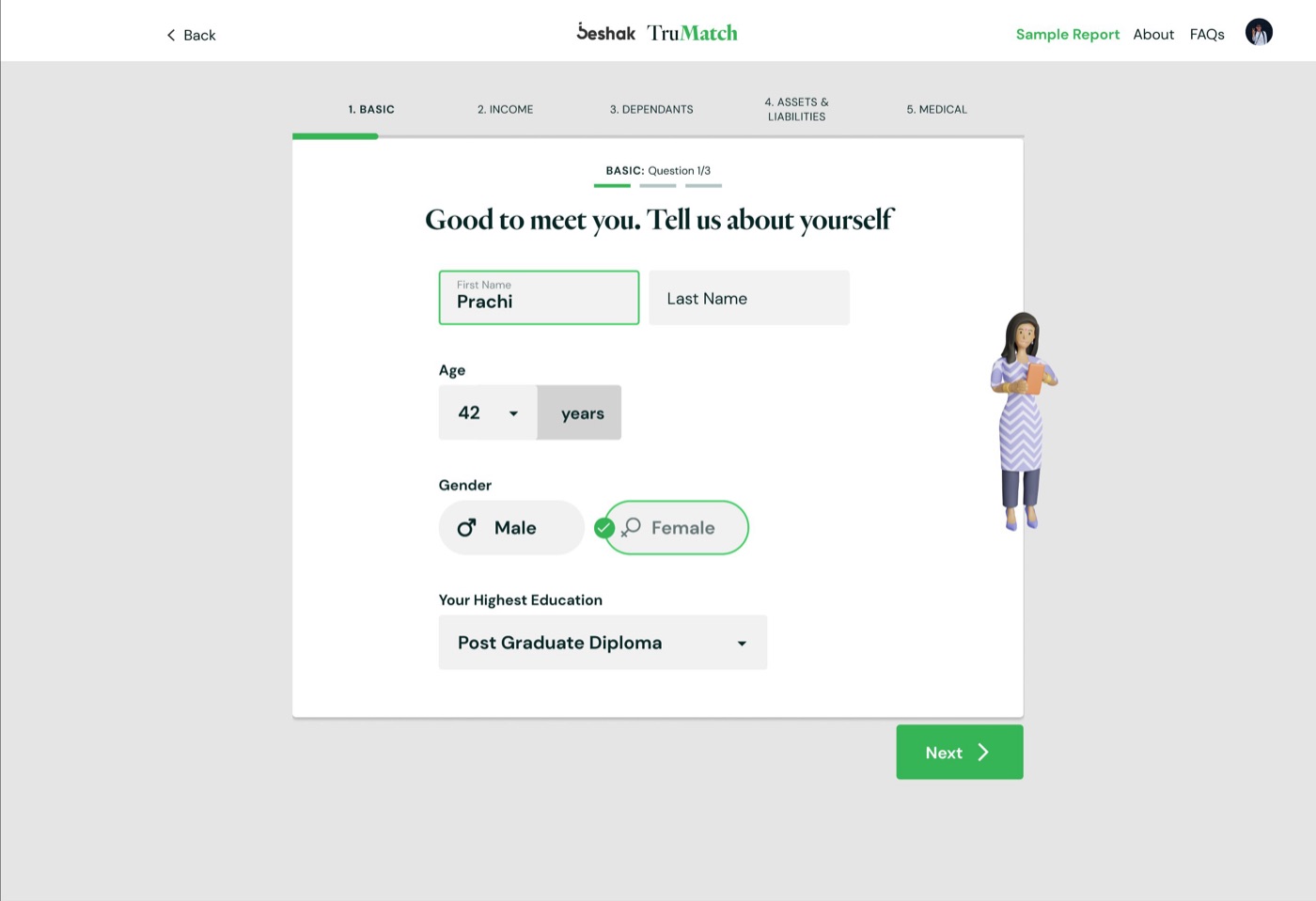
Questions are set in a warm, high-contrast serif, the way a person would ask them. Everything you touch (fields, chips, buttons, the stepper) is a clean geometric sans. The contrast does a quiet job: the serif is the voice, the sans is the tool.
03 · One green, used sparingly
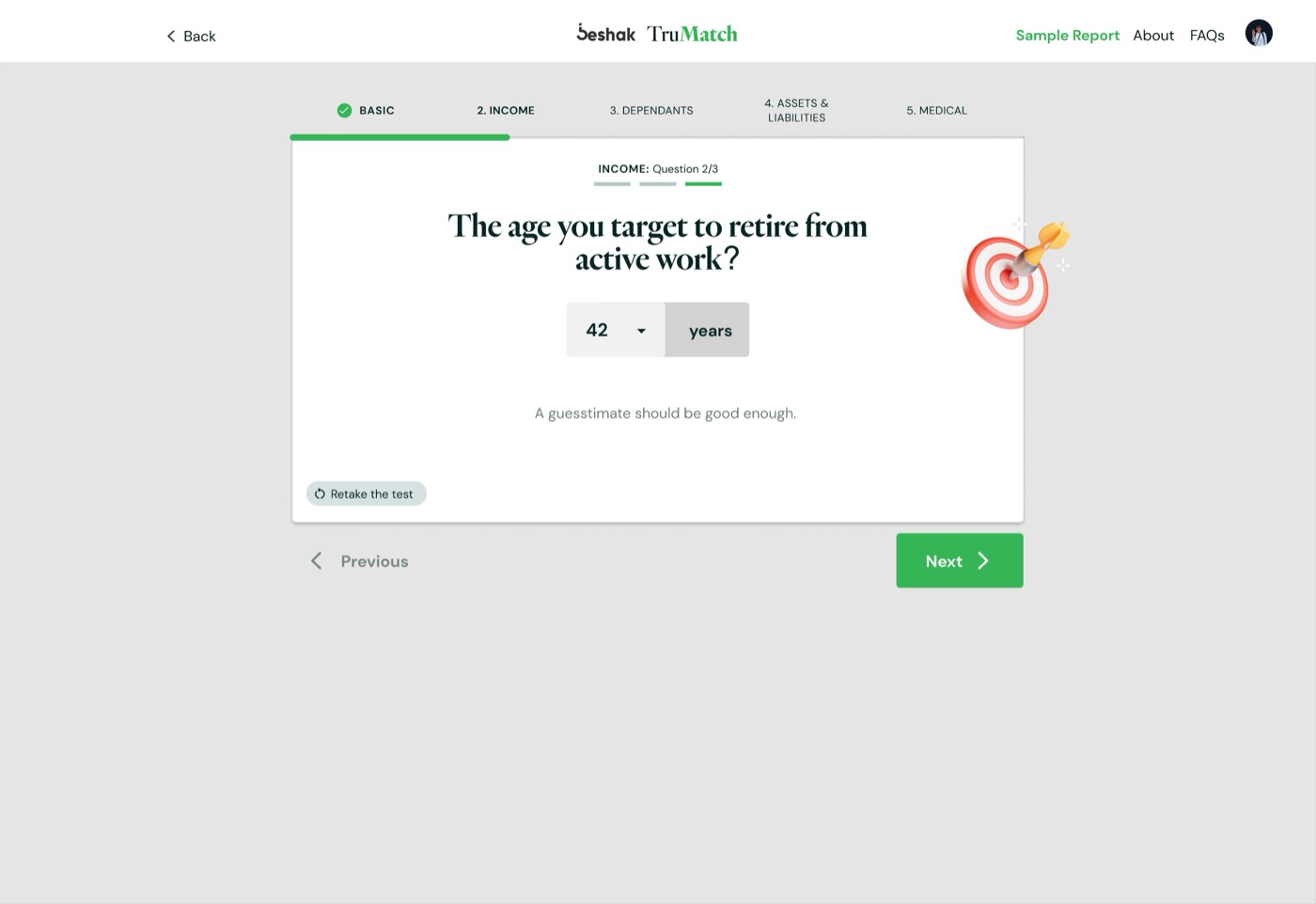
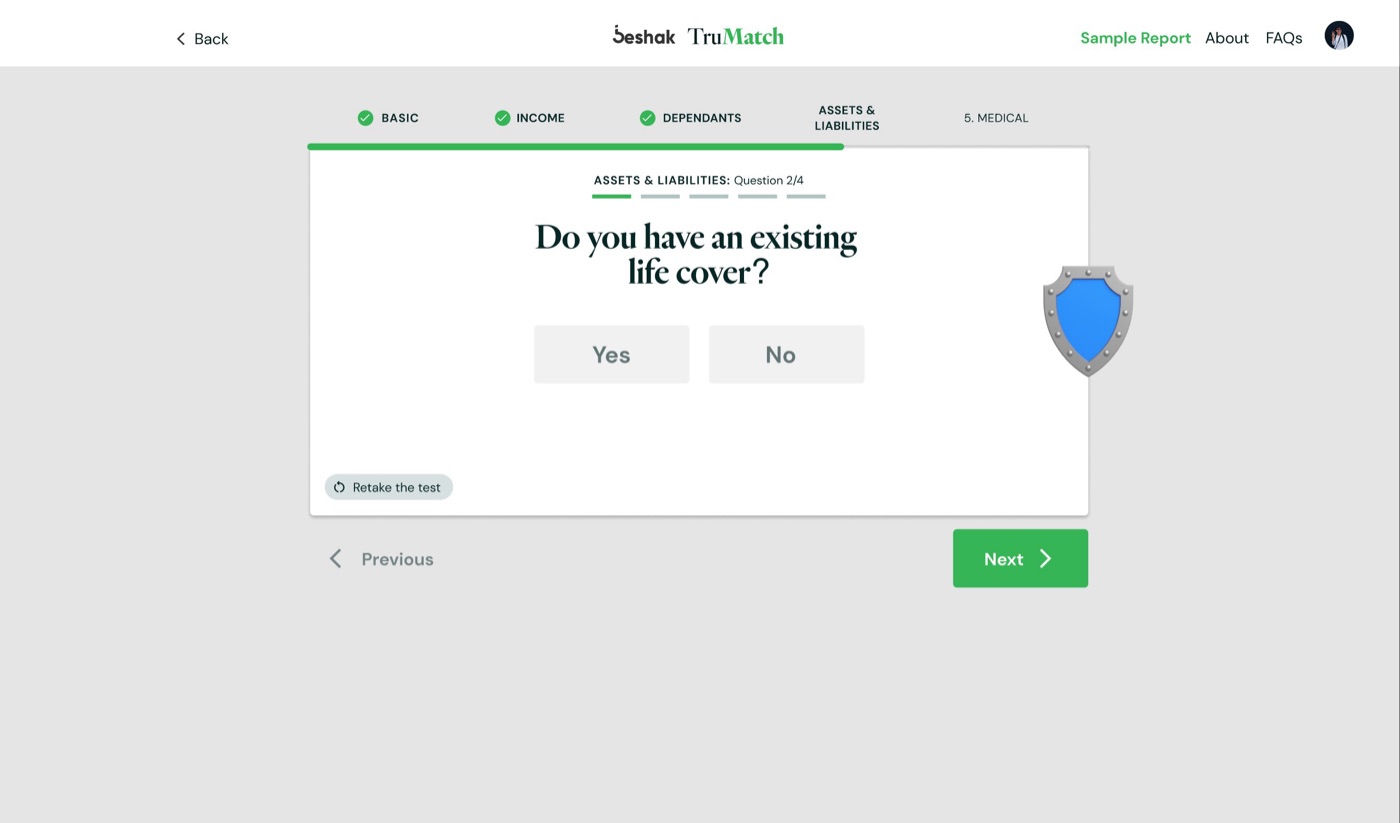
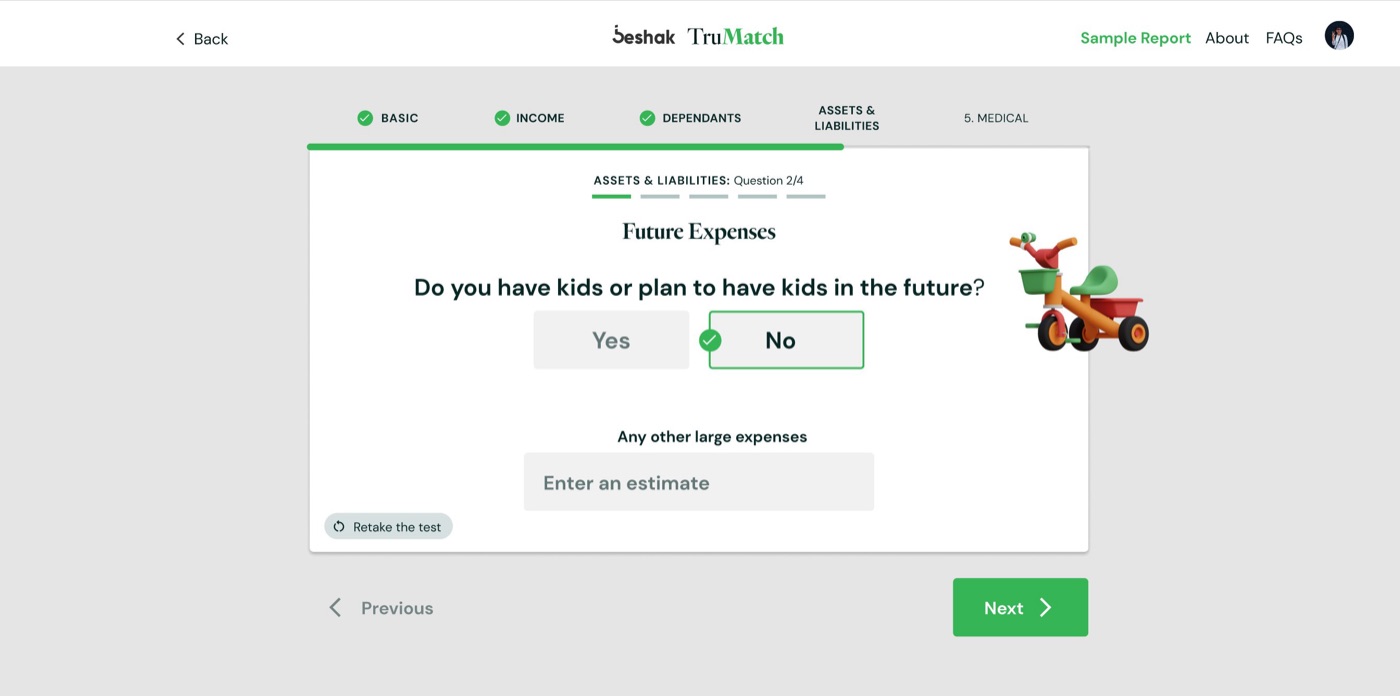
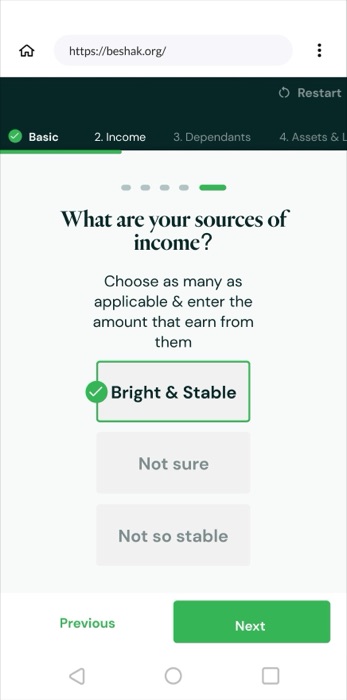
The brand green does only two things: it shows progress (the stepper, the dashes under each section) and it moves you forward (Next). Everything else is white cards on a soft grey canvas, so the green always means "you're getting somewhere".

04 · An object for every question
Each question gets one small 3D clay object: a dart in a target for retirement, a shield for existing cover, a cocktail for drinking, a toy truck for children. They give every screen a little character and make a long questionnaire feel like turning pages, not filling boxes.
05 · Forms that don't feel like forms
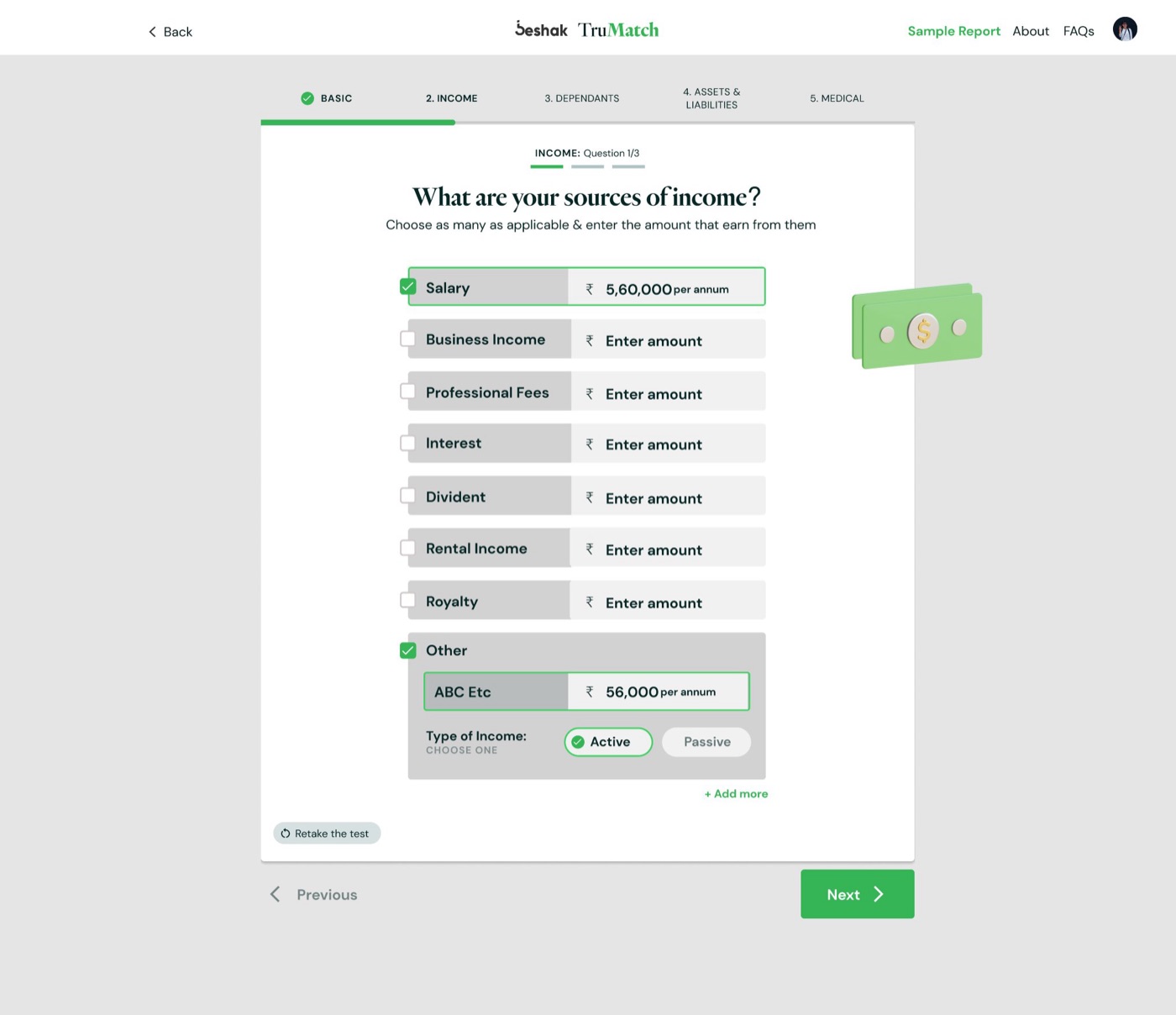
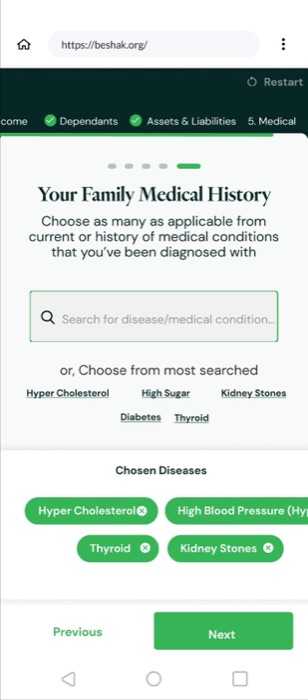
Where a question needs numbers, the layout stays a single column of short labelled fields, with "or choose from most searched" shortcuts where people usually get stuck. Retake the test sits in a corner, always available, never loud.
06 · On a phone
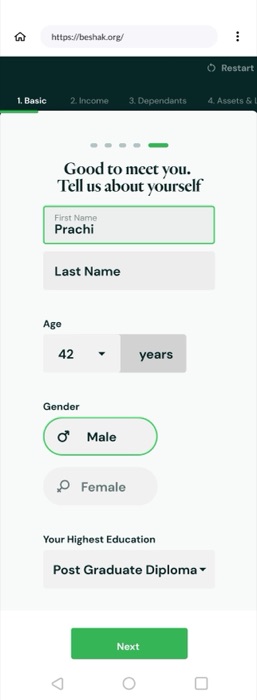
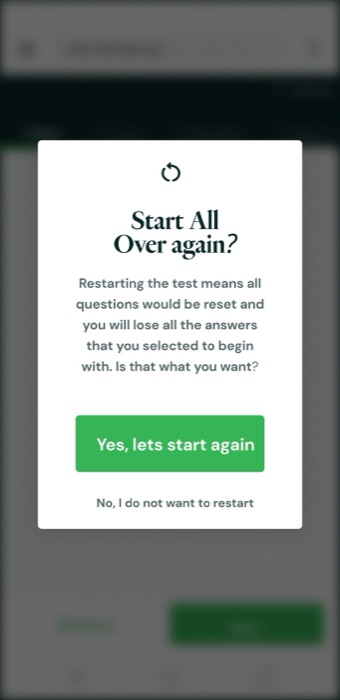
On mobile the same system stacks: the stepper becomes a slim green bar, choices become full-width chips, and Next stays in thumb reach. Starting over asks once, clearly, in a dialog.
07 · The finish
A summary lets people check everything in one place before the report, and the report itself opens on a single, simple moment of completion.